
FX session duration
This allows FX users to choose how long their FX session remains active, reducing the need to log in again after inactivity. It applies only when the user is on one of the FX pages: Transactions or Trade Board.
Selecting a session duration
You can choose a session duration from two to twelve hours, in two-hour increments. The option to select the duration is always visible on the FX pages. Once selected, the duration applies immediately to the current FX session.
Always select the lowest maximum duration you need to stay signed in, to help protect your account.
Note: If you do not select an extended session, the Client Portal will continue to use the existing 15 minutes inactivity logout
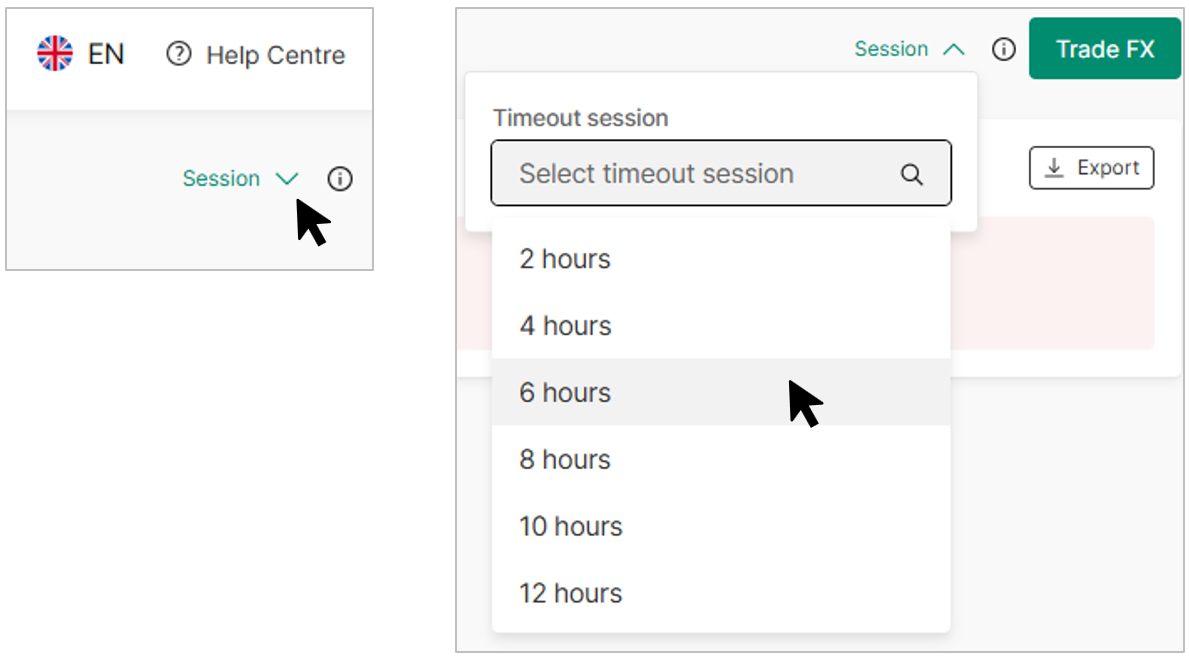
Session dropdown
When an extended session is chosen, a confirmation message appears before the change is applied.
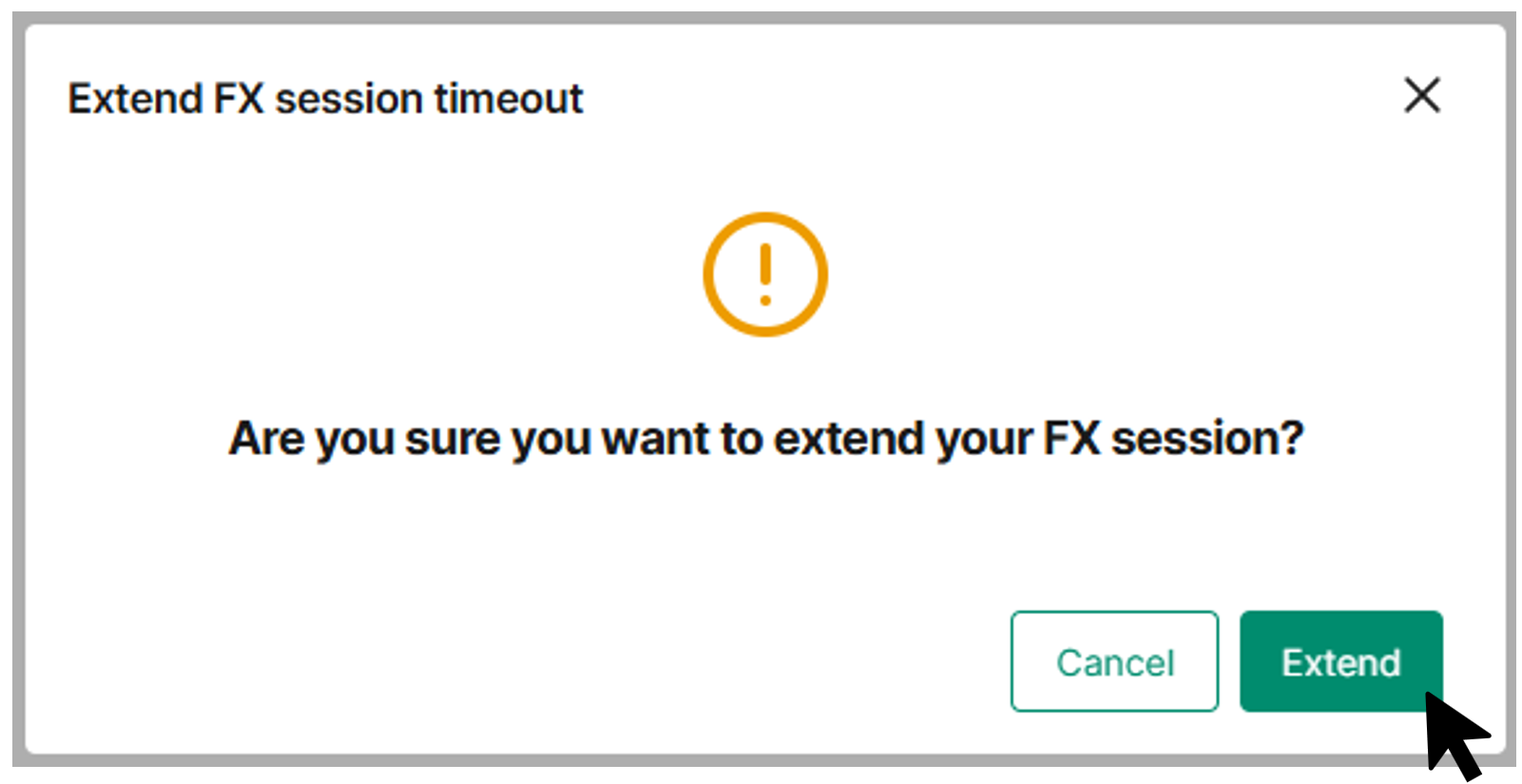
Confirmation message
A countdown timer shows the remaining time in hoursand minutes.
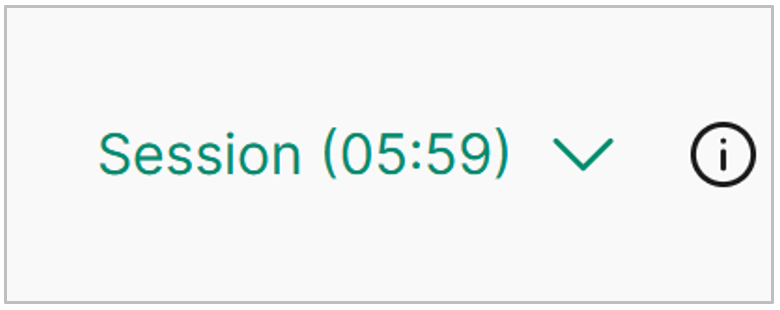
Countdown
Behaviour when leaving and returning to FX pages
As soon as you navigate away from an FX page, it returns to the standard auto logout behaviour (15 minutes) and being inactive means, you will be logged out according to the usual timeout rules.
If you return to an FX page while the session duration is still valid, the existing session timer will continue until it runs out.