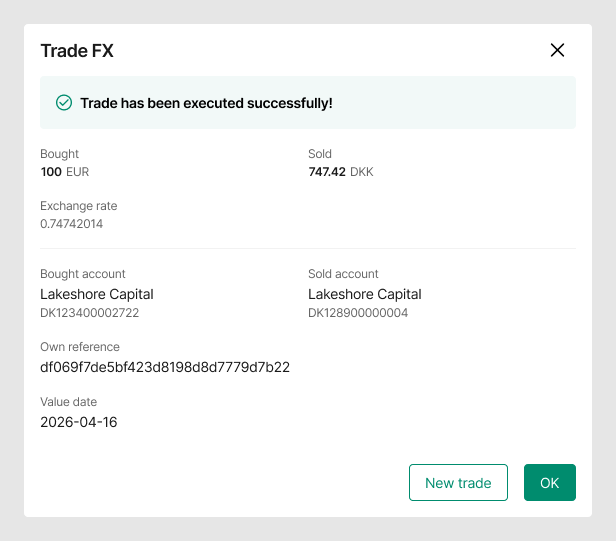
Market order
This guide provides a step-by-step overview on the market order feature for FX transactions in the BC Client Portal.
What is a market order?
A market order is an instruction to execute a FX transaction immediately at the prevailing market rate available at the time of execution.
How pricing works
Market orders do not involve a firm price being quoted to you in advance.
Any rate displayed prior to execution is indicative only and provided for information purposes.
Execution
Your market order will be executed as soon as it is received and validated, subject to market conditions, credit availability, and system controls.
The final execution rate is determined at the point of execution and confirmed to you after the trade has been completed.
Potential execution outcomes
Due to market movements, liquidity, or execution timing, the final execution rate may be better or worse than any indicative rate shown prior to execution.
Below are key differences between a Market order and Get a quote:
| Dimension | Market order | Get a quote |
|---|---|---|
| Price certainty | Market prevailing rate | Displayed rate |
| Execution speed | Immediate | Up to 30 seconds |
| Rate visibility | Immediately after trade | Upfront |
| Client confirmation | Click Market order button | Quote acceptance |
Executing a market order
From the FX Trade board
- On any quick trade card, first enter the amount you wish to sell or buy.
- Click on the Market order button on the bottom left of the card
- Note: the trade will be executed immediately at the current market rate, without any additional action, and cannot be undone.
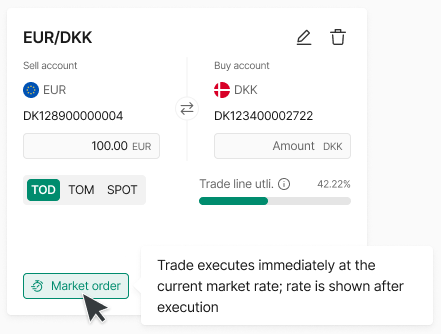
Creating a market order from a quick trade on the Trade board
- Once the market order trade has been executed, you will see a confirmation of the trade
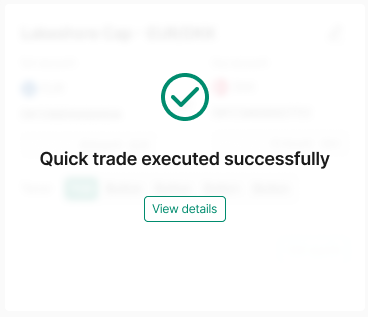
- Clicking on View details will show the trade information, including the rate
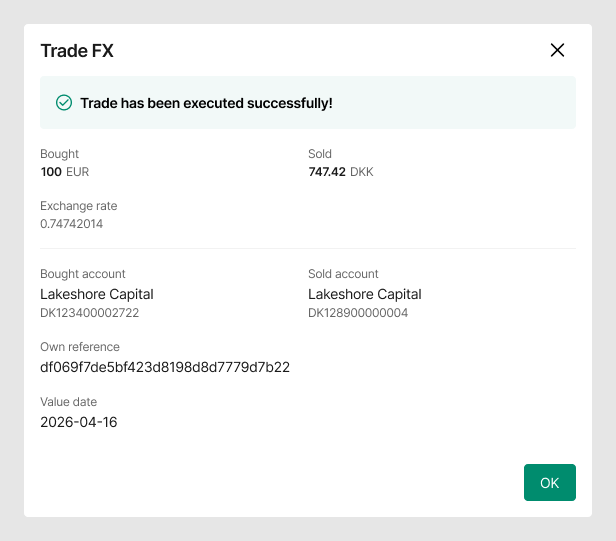
From FX transactions
- Click on the Trade FX button
- In the modal, select the sell and buy accounts, tenor, and then enter an amount in either the Sell amount or Buy amount field.
- Click on the Market order button in the bottom left corner of the modal to execute a market order trade.
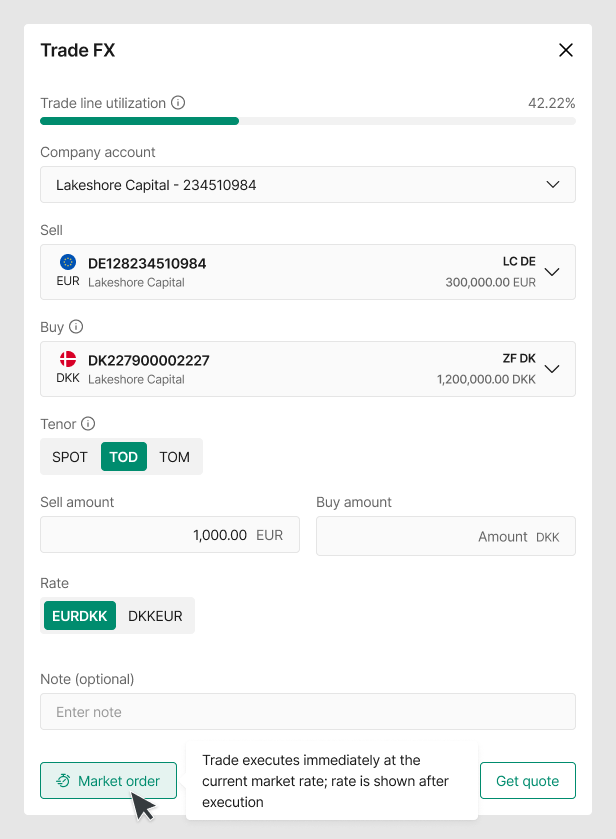
Creating a market order from the Trade FX modal
- Once the market order trade has been executed, you will see a confirmation with the trade details, including the rate